
Build status, site photos and the next
phase come together in your Live
Aldar property timeline.
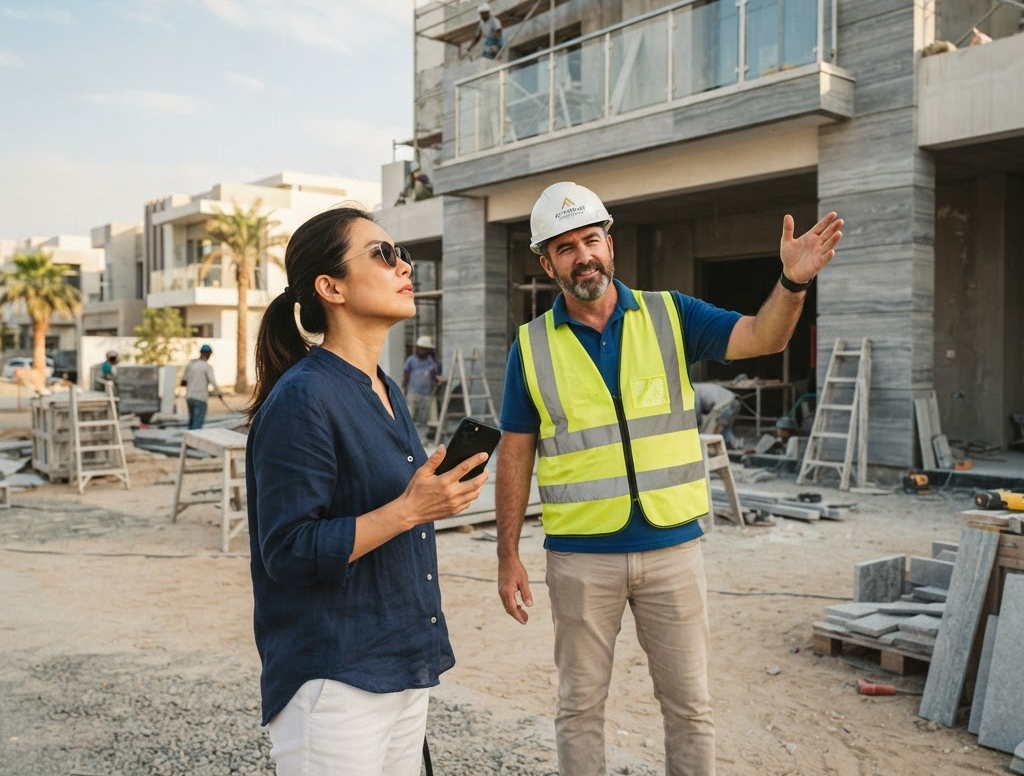
Know how construction is
progressing
View the latest build percentage and anticipated completion date for your property.

Track the latest progress
Browse updates by quarter, with the latest construction story and photos from site.

Walk your home before it's
built
Take a virtual tour room by room, including the outside view, where available.

Look ahead to handover
See future stages towards home orientation, title deed and collecting your keys.
One timeline from
purchase to keys
With construction and handover
connected, you have a clearer view of the
property’s progress and the stages ahead.
Explore what's on Live Aldar


Move-in/Move-out permit
Your move-in or move-out permit, sorted
FAQs
Do I need to submit a request for a construction update?
For standard information shown in Property Timeline, you can check it directly without submitting a request. Requests remain available for questions the timeline does not answer.
How are construction updates organised?
Construction updates are grouped by quarter. Each can include a summary of recent work, site photographs and what the next phase will focus on.
What does the timeline show before handover?
The timeline gives owners a forward view of later stages, including home orientation, title deed and key collection. Not every stage is completed online.
Who can access the Property Timeline?
The Property Timeline sits in the owner-only property area of Live Aldar. Public visitors cannot access an owner's property information.